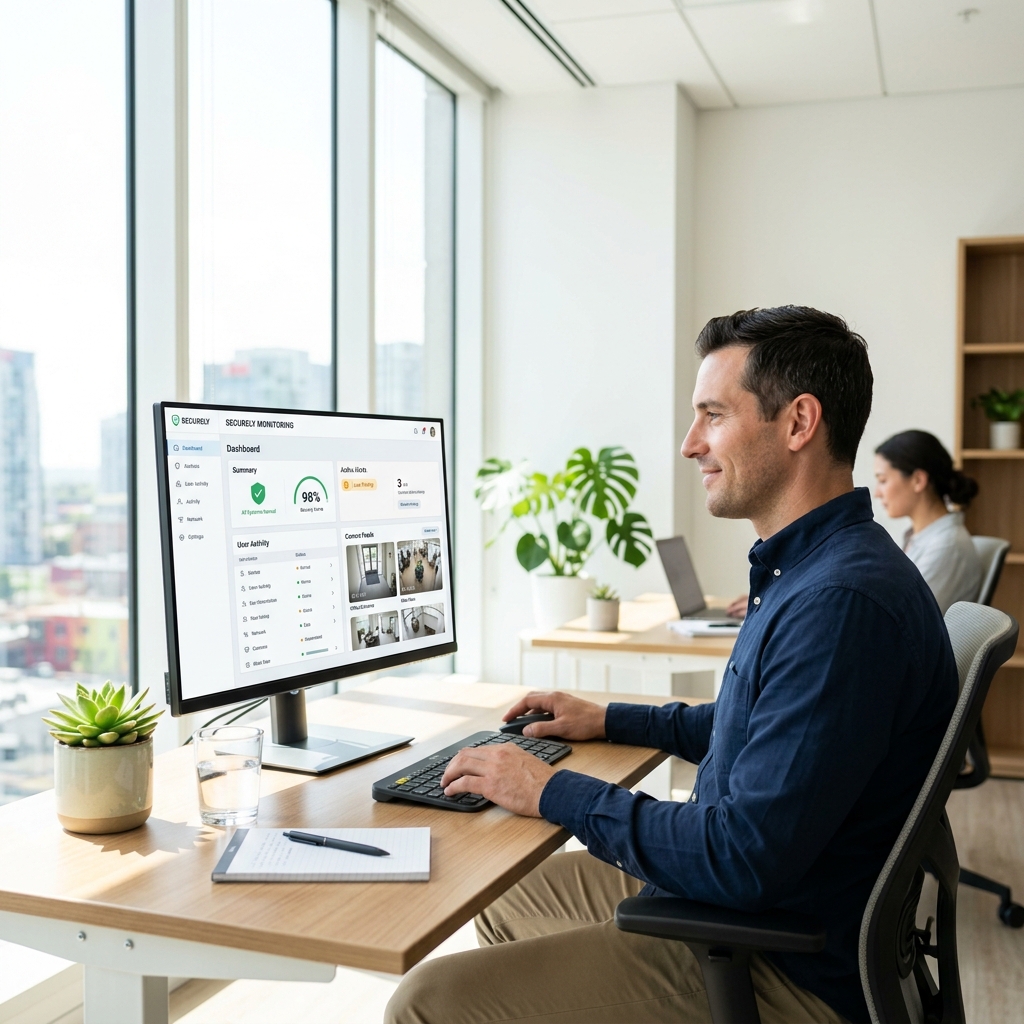
We manage updates, content changes, technical fixes, and ongoing improvements, ensuring your website remains current, reliable, and ready for growth.
Email
info@digitalstyledesigns.com
Phone
(617) 229-9399
Location
625 Massachusetts Ave, Cambridge, MA 02139
/01 WordPress Malware Removal
WordPress malware removal that restores trust
A hacked WordPress site can cost you traffic, leads, and reputation. We scan, clean, patch, and secure infected websites so your business can get back online with confidence.
Three reasons businesses choose a dedicated WordPress malware removal team when a site is compromised.
A.
Rapid infection cleanup
Every minute a hacked site stays live can cost trust and revenue. We identify malicious files, redirects, spam, and backdoors quickly.
B.
Future attack prevention
Cleanup is only half the work. We patch vulnerable plugins, themes, permissions, and access points to reduce reinfection risk.
C.
WordPress security specialists
Our team understands WordPress architecture, common attack vectors, and the cleanup steps needed for a lasting fix.
      EXCELLENT     Based on 4 reviews                    Posted on Google        Лариса Солодовник     Trustindex verifies that the original source of the review is Google. Thanks to our amazing specialist, Vitaly Zakrevsky, for his excellent SEO support. Thanks to his work, orders are coming in even without advertising.         Posted on Google        Ніна Присяжнюк     Trustindex verifies that the original source of the review is Google. Thank you for creating such a wonderful website. It is very professional and beautifully designed. I am more than satisfied with the result. I will definitely recommend your services to others.

Special thanks to Vitaly Zakrevsky for his excellent work and professionalism.         Posted on Google        Pavel Slobodenjuk     Trustindex verifies that the original source of the review is Google. Markus and the team at Digital Style Design are incredibly sharp. It is hard to find a digital partner who is as detail-oriented as we are in the manufacturing business, but they definitely fit the bill. They are responsive, and they care about the results that actually help our business grow. It is a solid team to have on your side.         Posted on Google        Oleg Shats     Trustindex verifies that the original source of the review is Google. I had a very positive experience working with DSD. The team is professional, responsive, and genuinely committed to delivering quality results. Communication has been smooth throughout, and they are always open to feedback and quick to implement improvements.

We appreciate their structured approach and attention to detail, which makes cooperation efficient and reliable. Looking forward to continuing our work together.

Highly recommended.
Oleg Sats
CEO in Active Planet Sports LTD
/03 Malware removal deliverables
Our WordPress malware cleanup deliverables
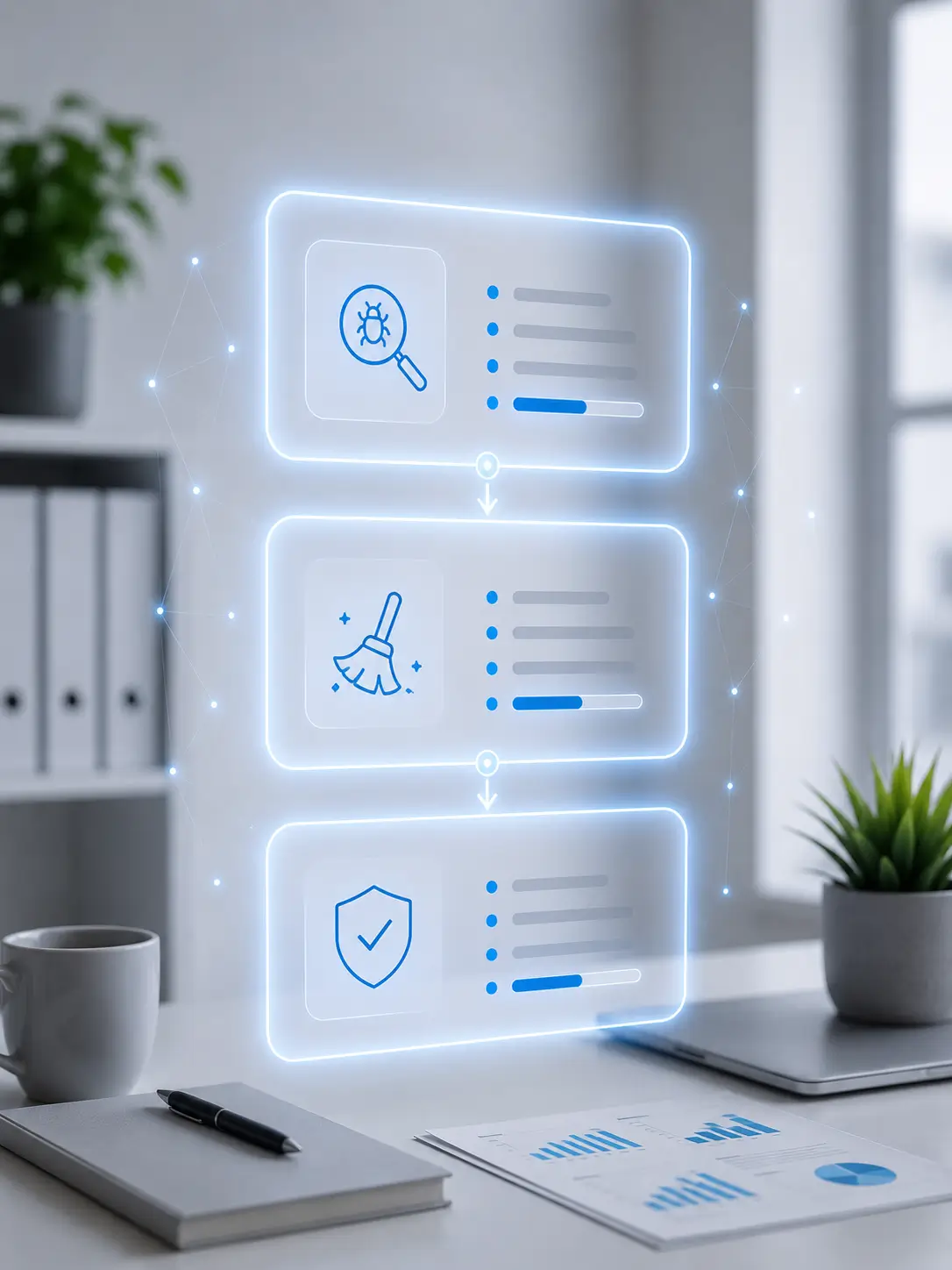
A complete cleanup and hardening workflow for hacked WordPress sites, from detection to restored trust.
01
Comprehensive scan
We scan files, themes, plugins, uploads, database entries, redirects, and backdoors to locate the full infection.
Learn more ->
02
Malware cleanup
Malicious code, injected scripts, spam links, suspicious users, and hidden backdoors are removed carefully.
Learn more ->
03
Vulnerability patching
We patch vulnerable plugins, themes, core files, permissions, and exposed access points that caused the compromise.
Learn more ->
04
Security hardening
Firewall setup, stronger access controls, file permissions, and cleanup recommendations help reduce future risk.
Learn more ->
05
Post-cleanup monitoring
We verify the site after cleanup and outline monitoring steps for suspicious activity, uptime, and reinfection signs.
Learn more ->
06 – Talk to us
Not sure if your site is infected?
Send us the symptoms, warnings, or suspicious behavior you are seeing. We will review the issue and map the cleanup path.
WordPress malware removal is the process of identifying, cleaning, and securing a WordPress website infected with malicious code, backdoors, redirects, spam links, or other threats.
Common warning signs include strange redirects, defaced pages, spam links, login problems, browser or Google warnings, suspicious files, or emails being sent from your domain.
Many standard malware cleanup cases can be handled within 24-48 hours, depending on the depth of the infection, hosting access, backups, and how much forensic review is needed.
The service includes a full scan, malware cleanup, backdoor removal, vulnerability patching, security hardening, and recommendations to reduce the risk of reinfection.
No system is completely hack-proof, but hardening, updates, firewalls, strong access controls, and monitoring significantly reduce the risk of future attacks.